
Fortnite Angles: Build, Aim, and Conquer
Grade level: 9th Grade, 10th Grade
Initial ideas
Fortnite mechanics angles

Collaborate with AI to design an engaging learning experience in minutes.
Grade level: 9th Grade, 10th Grade
Fortnite mechanics angles

Grade level: 10th Grade
apex legends math

Grade level: 10th Grade
video games siege math odds strategy predictions

Grade level: High School
famous paintings math symmetry geometry

Grade level: 9th Grade
Build a better first aid kit. Students will research first aid kits and figure out what needs to be in a modern home first aid kit vs a school first aid kit.

Grade level: 1st Grade
🧠 My 3-Addend Math Reflection 1. Show Your Math Thinking: • "Here is an equation I solved: ___ + ___ + ___ = ___" (Tip: Have students take a photo of a whiteboard where they solved a 3-addend problem, drawing "helper lines" or carrot paths to group their first two numbers). 2. Choose Your Strategy: • "To solve this problem, I was responsible and looked for: • Friends of 10 (like \(7+3\) or \(8+2\)) • Doubles (like \(4+4\) or \(5+5\))" 3. Step-by-Step Responsibility: • "First, I added my friendly numbers together to get ____. • Then, I added the third number. • My total sum is ____." 4. Responsible Learner Check: • "I showed responsibility in math today by: • Circling or linking the two numbers I added first. • Counting on carefully so I didn't forget the third number." 💡 Ideas for the Inkwire Post: • The "Math Voice" Recording: 1st graders love to explain their math thinking out loud. Have them tap the audio record button on Inkwire and talk through their picture: "I saw 4 + 3 + 4. I responsibly looked for a strategy and saw a double! 4 plus 4 is 8, and then 3 more makes 11." • Concrete Artifacts: If you use ten-frames, double-sided counters, or linking cubes in class, have them take a picture of their physical math tools showing how they grouped the first 10 or the double before adding the rest!

Grade level: 6th Grade
I want to create a mini unit of rational numbers for math 6, where students get some financial literacy and negative numbers represent debt or losses not just the basic notions of negative degrees or below sea level 6.NS.C.5 Understand that positive and negative numbers are used together to describe quantities having opposite directions or values (e.g., temperature above/below zero, elevation above/below sea level, credits/debits, positive/negative electric charge); use positive and negative numbers to represent quantities in real‐world contexts, explaining the meaning of 0 in each situation. 6.NS.C.6a Understand a rational number as a point on the number line. 6.NS.C.6c Extend number line diagrams and coordinate axes familiar from previous grades to represent points on the line and in the plane with negative number coordinates.

Grade level: 10th Grade
Research the Students will make mud balls from the soil around the school to conduct a geological investigation.
What if there was a tool to help us take our wild project ideas and create a scope and sequence? There is! Inkwire and the Professional Learning team at High Tech High’s Graduate School of Education designed an AI-assisted curriculum planning tool.
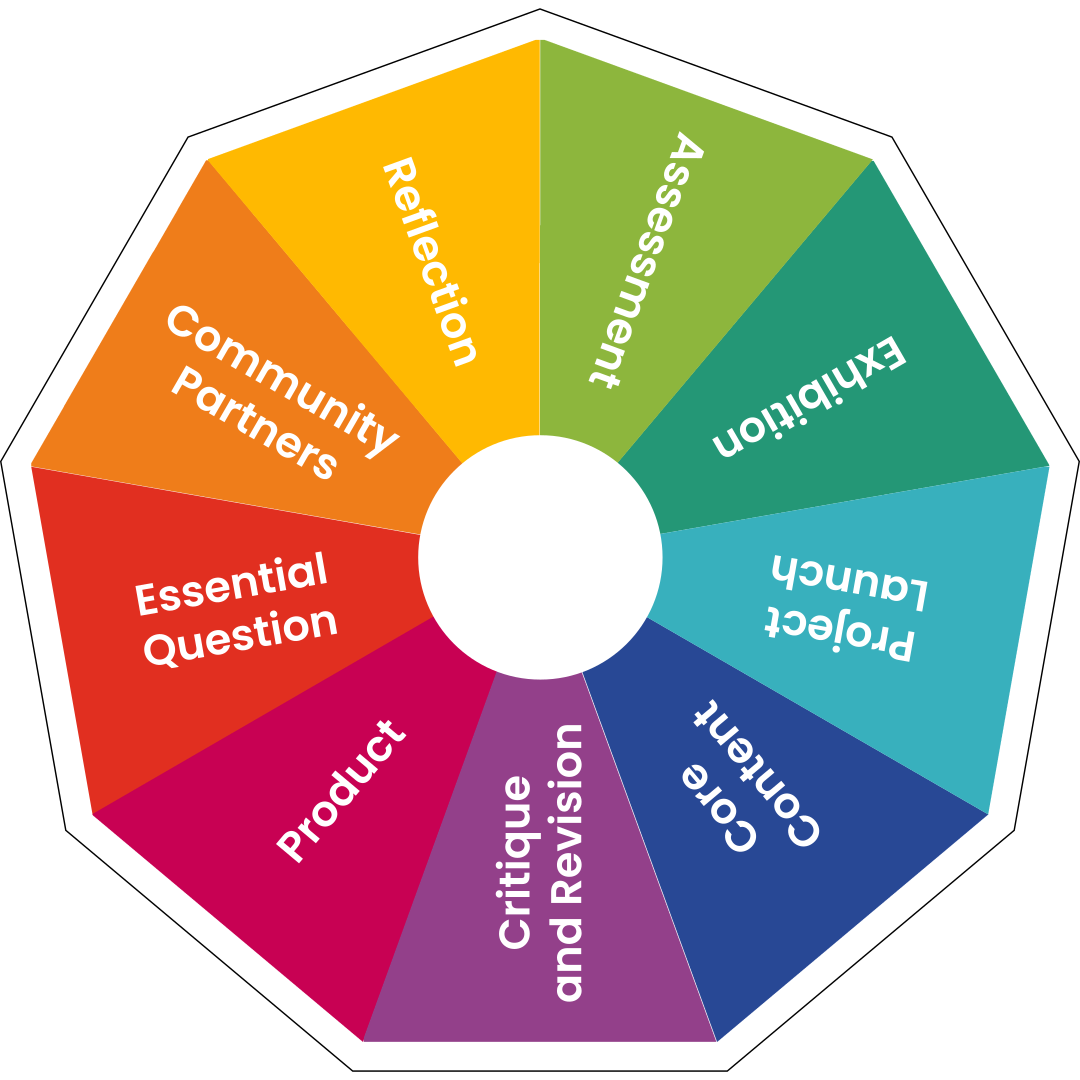
Powered by High Tech High's Kaleidoscope framework for project-based learning (PBL) design, this AI assistant helps educators – and learners! – integrate standards and curriculum requirements into a cycle of PBL Essentials.